




Service support
Remote help, when you need it
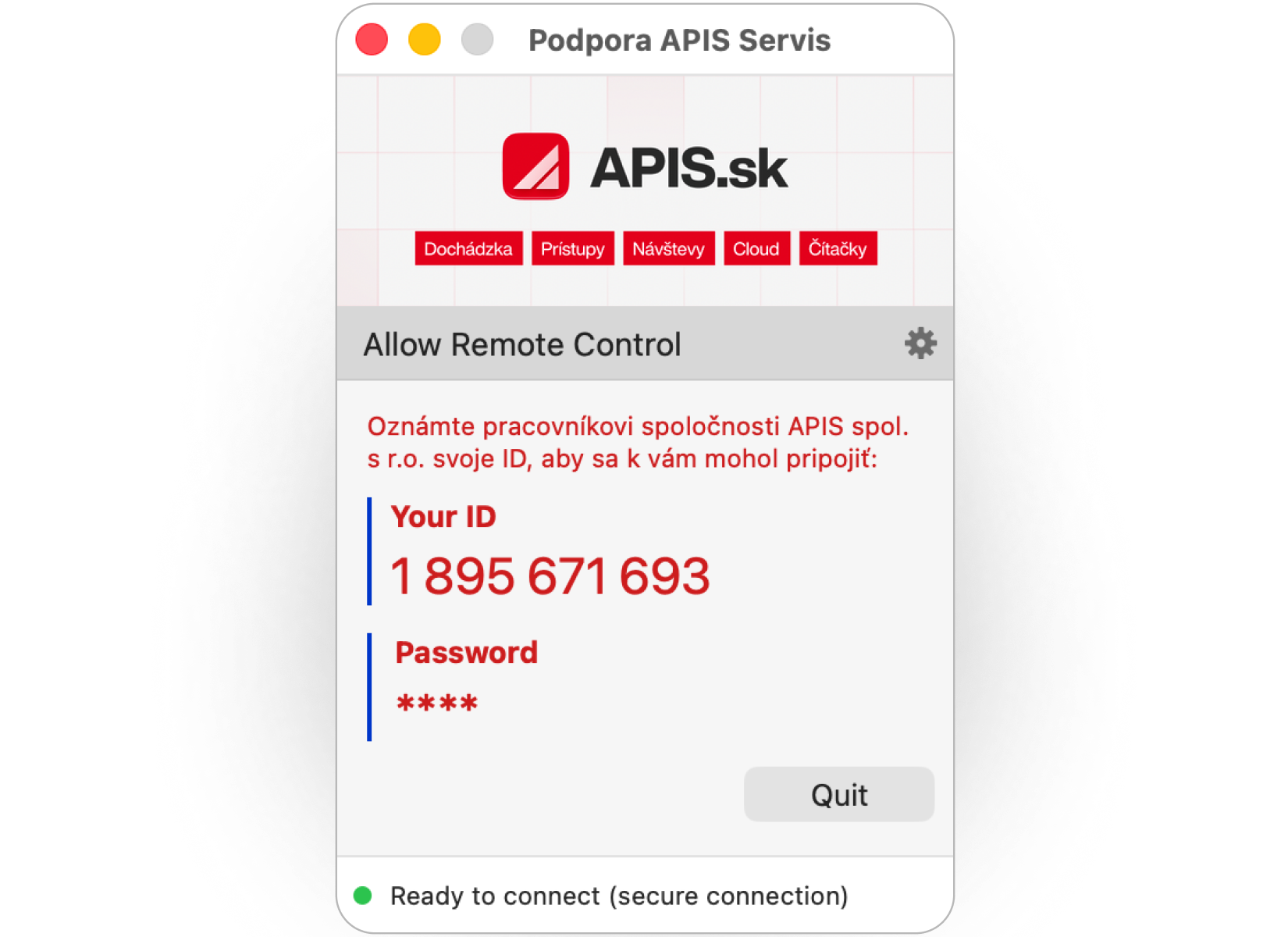
Share your desktop with our support team in real time. Simply download the small programme ApisServis and run it, no installation is required.
- No installation
- Secure connection

Need advice?
Frequently asked questions
Everything you need to know about remote support and the ApisServis program.
Remote support
01 How does remote support work?
You download and run the ApisServis program, which shows you your ID and password. You read these details to our technician over the phone. Using them, we securely connect to your desktop and resolve the problem directly in your system.
02 Do I need to install anything?
No. ApisServis is a one-off executable programme: simply download and open it; nothing is installed on your system. Once you have finished using the service, you can simply close it.
03 Is the remote connection secure?
Yes. The connection is fully encrypted and the technician connects only with your ID and a one-time password that only you can see. Without these details no one can connect to your computer, and you can end the connection at any time by closing the program.
04 The program won't start or my antivirus blocks it. What should I do?
Check that the file downloaded completely, or run it as an administrator (right-click, Run as administrator). If your antivirus or firewall blocks it, temporarily allow it to run. If you run into problems, call us and we will guide you through the whole process.
05 When is service support available?
Technical support is available on business days. Every customer is assigned their own software technician who knows their system. We provide support by phone, e-mail and remote connection.
Didn't find what you were looking for?
obchod@apis.sk